

Download Easy To Use – Microsoft Excel 2016 Edition – Complete Excel Training App
Overview
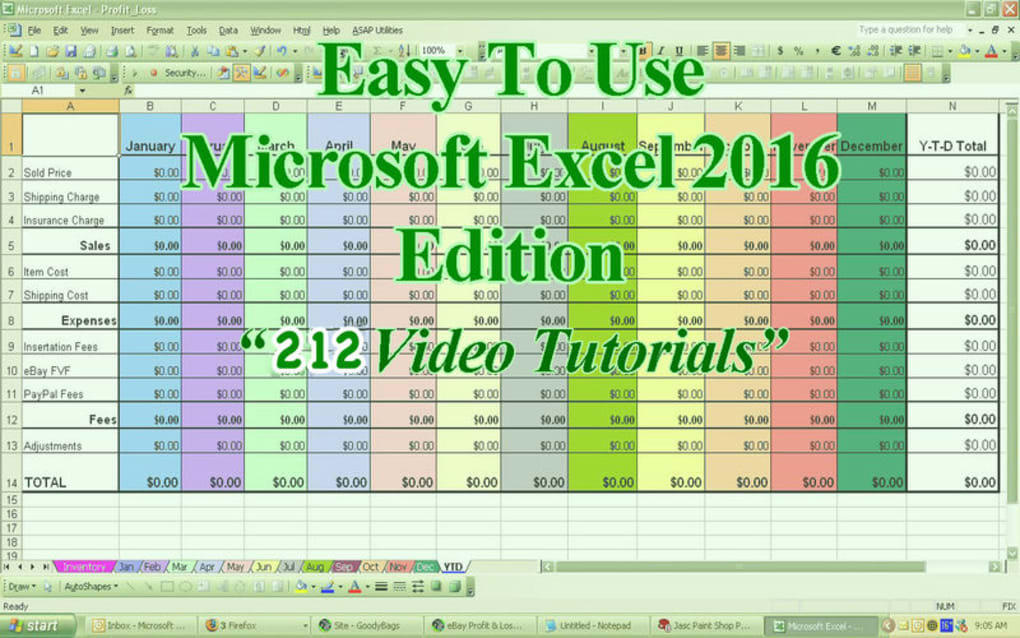
Easy To Use – Microsoft Excel 2016 Edition is a purpose‑built tutorial app that guides beginners and intermediate users through the core functions of Microsoft Excel 2016. Designed as a downloadable, secure, and regularly updated learning tool, the app combines clear text explanations with high‑definition video lessons, allowing learners to progress at their own pace. Whether you are a student looking to ace a data‑analysis assignment, a professional needing to sharpen spreadsheet skills, or a small‑business owner wanting to automate routine calculations, this tutorial covers everything from basic cell formatting to advanced pivot tables and macro creation.
The curriculum is divided into bite‑size modules, each concluding with practical exercises that reinforce the concepts taught. By integrating visual cues, real‑world examples, and interactive quizzes, the app reduces the learning curve that many users experience with Excel’s extensive feature set. Moreover, the app’s lightweight design ensures fast download times and smooth performance on both Windows and macOS platforms, making it an ideal companion for anyone who prefers a self‑paced, on‑device learning experience over cloud‑based courses.
With a clean, user‑friendly interface, the tutorial encourages confidence and competence, turning the once‑daunting Excel environment into a manageable and even enjoyable workspace.
Key Features & Lesson Structure
- Comprehensive curriculum covering 120+ Excel topics from basic worksheets to advanced data modeling.
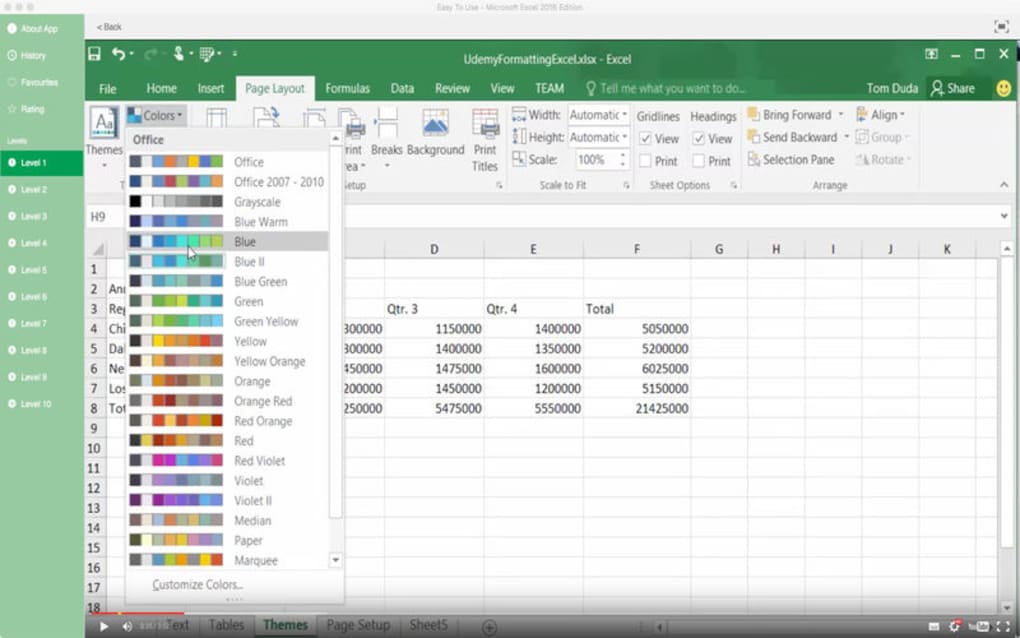
- High‑definition video tutorials that demonstrate each function in real time.
- Step‑by‑step text guides that complement the videos for offline reference.
- Interactive quizzes after every module to test retention and identify knowledge gaps.
- Downloadable practice files that mirror real‑world business scenarios.
- Progress tracker that saves your learning state across devices.
- Regular free updates to align with Microsoft’s latest patches and feature releases.
- Offline mode – learn without an internet connection after the initial download.
- Searchable index and glossary for quick lookup of formulas and functions.
- Secure data handling – no personal data is stored on external servers.
Each lesson is organized into three layers: a concise written overview, a visual walkthrough video, and a hands‑on exercise. The app starts with foundational concepts such as workbook navigation, cell referencing, and basic formulas, then gradually introduces more complex tools like conditional formatting, data validation, and chart creation. The advanced section dives into Power Query, Power Pivot, and macro recording, giving users a taste of Excel’s business‑intelligence capabilities.
Because the app is built as a native Windows and macOS application, the video playback is optimized for hardware acceleration, ensuring smooth frame rates even on older machines. Additionally, the tutorial includes a “quick‑tip” sidebar that surfaces shortcuts and hidden features as you progress, helping you become more efficient without having to pause and search the web. All content is crafted by certified Microsoft Office trainers, guaranteeing accuracy and relevance.
Installation, Usage & System Compatibility
Installing Easy To Use – Microsoft Excel 2016 Edition is straightforward and designed for users of all technical levels. First, click the Download button on the product’s landing page. The installer is a signed executable (Windows) or a DMG package (macOS), ensuring a secure and virus‑free download. Once the file is saved, run the installer and follow the on‑screen prompts: accept the license agreement, choose the installation directory, and click “Install.” The process typically completes within two minutes on a standard broadband connection.
After installation, launch the app from the desktop shortcut or the Applications folder. The initial startup wizard walks you through creating a user profile, which is stored locally and never transmitted. From the main dashboard, you can select a learning path, view your progress, or access the downloadable practice workbooks. The app automatically detects your operating system, displaying the appropriate version of Excel 2016 for Windows 7/8/10/11 or macOS 10.12 and later. While the tutorial focuses on the desktop version of Excel, the lessons are also relevant for Excel for iOS and Android, as the core concepts and formulas remain consistent across platforms.
For users who already have Excel installed, the app verifies the version and prompts you to update if a newer service pack is available, ensuring full compatibility with the tutorial’s examples. Should you encounter any issues, a built‑in help center offers troubleshooting guides, and the support team is reachable via email within 24 hours. The app also supports automatic updates; a secure background service checks for new content weekly and notifies you when a fresh lesson pack is ready to download. This approach guarantees that learners always have access to the latest features and best practices without needing to purchase additional upgrades.
Compatible Operating Systems: Windows 7, 8, 10, 11 (64‑bit), macOS 10.12 Sierra or later. The app is not a mobile‑only solution, but the knowledge gained transfers seamlessly to Excel for Android and iOS devices.
Pros, Cons & Frequently Asked Questions
Pros
- All‑in‑one learning hub – combines text, video, and practice files.
- Offline capability lets you study anywhere, anytime.
- Regular free updates keep content aligned with Microsoft’s releases.
- Interactive quizzes provide immediate feedback and reinforce learning.
- Secure installation with signed binaries and no cloud data collection.
Cons
- Focused exclusively on Excel 2016; users of newer Excel versions may need to adapt some steps.
- No built‑in live instructor support – questions are answered via email.
- Mac version lacks a few Windows‑only shortcuts, requiring alternative key combos.
FAQ
Is the tutorial compatible with Excel 2019 or Microsoft 365?
Yes. Although the content is built around Excel 2016, the core functions, formulas, and features remain the same in Excel 2019 and Microsoft 365. Minor UI differences are noted in the video captions.
Can I use the app on a tablet running Windows 10?
The app is optimized for desktop use, but it runs on Windows tablets that support the full Windows 10 desktop environment. Touch gestures are limited to navigation; full functionality requires a keyboard and mouse.
Do I need an internet connection after downloading?
No. After the initial download and update check, all lessons, videos, and practice files are stored locally, allowing completely offline study.
What is the refund policy if I’m not satisfied?
A 30‑day money‑back guarantee is offered. Contact support with your purchase receipt, and a full refund will be processed within 5‑7 business days.
Is there a free trial available?
Yes. A 7‑day free trial grants access to the first three modules, including video lessons and practice files, so you can evaluate the teaching style before purchasing the full version.
Conclusion & How to Get Started
Easy To Use – Microsoft Excel 2016 Edition delivers a robust, secure, and affordable pathway to Excel mastery. By blending concise written explanations with crystal‑clear video demonstrations, the app removes the intimidation factor often associated with spreadsheet software. Its offline capability, regular updates, and cross‑platform compatibility make it a practical choice for students, professionals, and small‑business owners alike. While the focus on the 2016 version may require a few adjustments for newer releases, the core concepts remain universally applicable. If you are looking for a comprehensive, self‑paced learning tool that lets you download, install, and start improving your Excel skills within minutes, this tutorial app is an excellent investment.
Ready to boost your productivity? USD 29.99 – InStock today, and begin your journey from Excel novice to power user. Click the “Download” button, follow the quick installation guide, and unlock a world of data‑driven possibilities.
Review Summary: The tutorial offers a thorough curriculum, engaging video content, and practical exercises that together make learning Excel both efficient and enjoyable. Minor drawbacks include the exclusive focus on the 2016 interface and limited live support, but the overall value remains high.
- Pros: All‑in‑one format, offline mode, regular updates, secure download.
- Cons: No live chat, Windows‑centric shortcuts, 2016‑only UI focus.







